
Searching Cases by Name
North Carolina puts its statewide case-search interface for Person County public case material on the eCourts Portal. Its Smart Search tool takes either a name or a record number. Use last-name, first-name order on the name route. Treat a name match as a starting point only. It is not proof that every result belongs to the same person. Case details, location, type, dates, and status help you narrow the set responsibly.
- Open Portal and select Smart Search. Public searching is free and does not require registration.
- Choose the name route and enter the surname first, then the first name if known. Keep the initial search precise.
- Use the returned case details to narrow by Person County location, case type, status, or filing date. Open the case number rather than relying on a result line.
- Read the Case Summary and Register of Actions, then use the Clerk if a public document or official copy is needed.
The advanced search adds more fields. Case number and business name are both available. So are citation number, location, name plus date of birth, case type, status, and filing-date range. Status labels include Pending, Disposed, Completed, Archived, Pending Expungement, Transferred Superior, Appealed-Appellate, Remanded, and Transfer to Another County. Keep in mind that a status is just a portal navigation field. Read it alongside the dated events. Do not treat it as a full account of the case.
| Field Label | Type | Required | Notes |
|---|---|---|---|
| Last name, first name | Text | One search route | Use last-name, first-name order for a person query. |
| Record number | Text | No | An exact case number is preferable when available. |
| Location and case type | Selection fields | No | Choose Person County and the closest documented case category. |
| Status and filing dates | Selection and date fields | No | Use them to cut down a broad result set. |
Person County Case Search Smart Search Limits
Smart Search stops at 200 results. When a Person County result set hits that limit, treat it as a cue to narrow the search. It is not evidence that the omitted matches do not matter. Set Person County as the location. Add a known filing-date range, pick a case type or status, or simply switch to a case number. These refinements make a public search easier to read. They also cut down confusion among similar names.
The documented wildcard rules are narrow. You may use a case-number fragment of at least four characters plus an asterisk. A surname needs at least three characters plus an asterisk. A first name needs only one character plus an asterisk. No broader wildcard shortcuts are documented for the Portal. So stick to those stated patterns, and review the case details each one returns.
Portal training and resources walk through the public-search tools a Person County case search relies on.
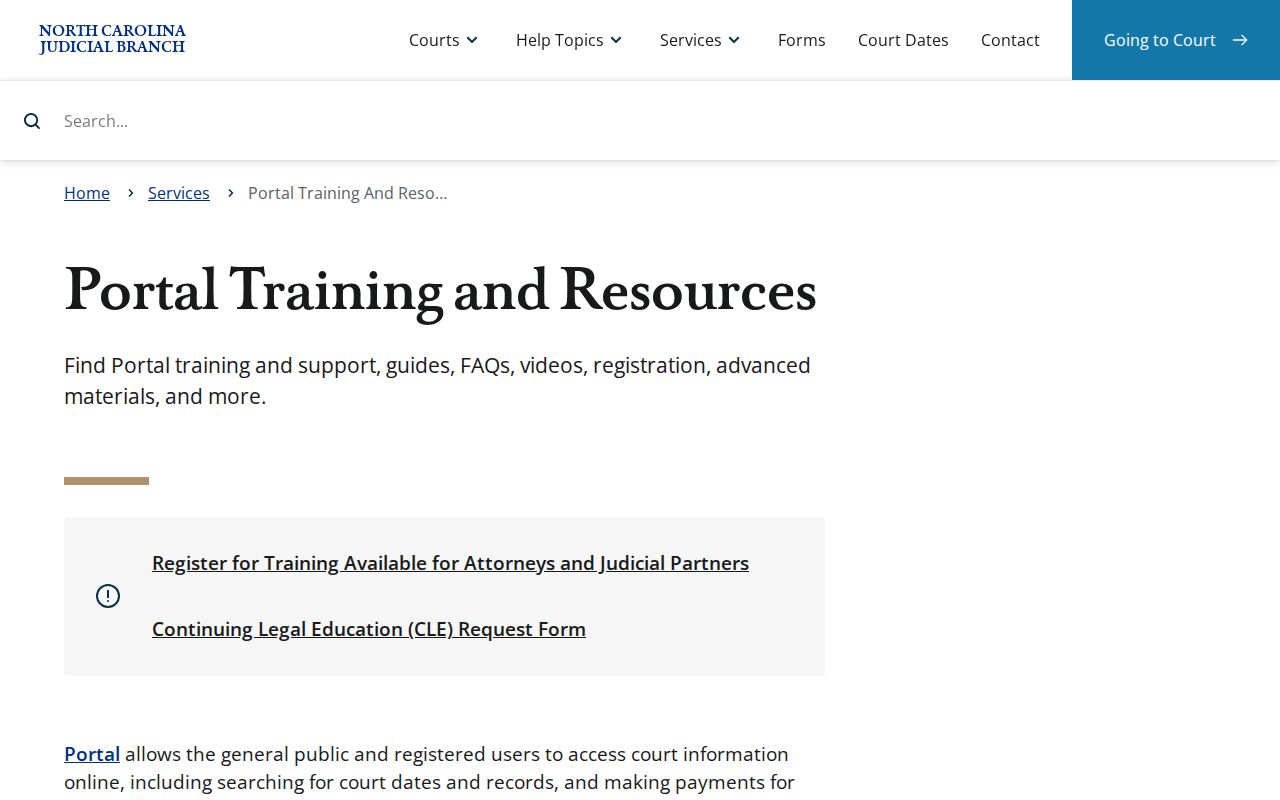
The training material helps you learn the fields and result screens. For current Person County case information, the live Portal is the source.
Searching by Case Number
For a Person County case search, nothing beats an exact case number. The Person County eCourts format carries a two-digit year. It then adds case-type letters, a six-digit sequence, a hyphen, and a three-digit county identifier. The pattern YY-CT-######-CCC is illustrative only, not a real case number. When you have the full identifier from a notice, filing, calendar, or clerk record, enter it whole.
Case-type letters classify the matter, but they do not replace reading the Case Summary. Holders of a citation can use the citation-number search instead. A business name belongs in the business-name route. Matching the search type to what you actually hold is more reliable. Name variations work less well. And never strip the final three-digit county portion from an otherwise exact Person County identifier.
Person County Case Search and File & Serve
Portal and File & Serve do different jobs. File & Serve is North Carolina's electronic filing and service system for authorized filers. It is not a public case-search portal. Nor does it replace a Register of Actions search, a calendar check, or a clerk records request. Person County joined eCourts in the April 29, 2024 Track 4 launch. That is why both services show up in local court information.
North Carolina File & Serve is the source for this filing-system image.
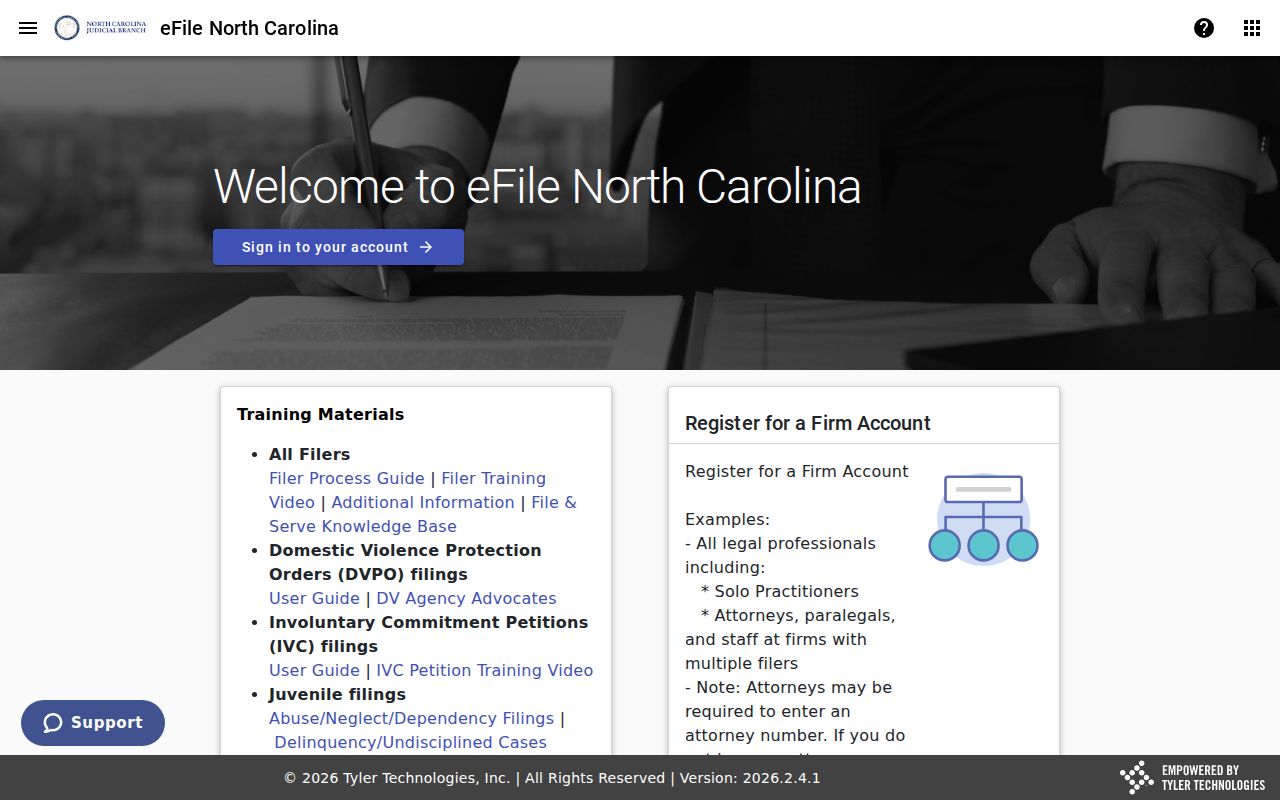
The separate filing interface points to a practical distinction. Completing a filing workflow is not evidence that the public case result is complete or that any document is downloadable by the public.
What a Case Search Returns
Click a Person County case number and the Case Summary opens. This public-facing view connects the Register of Actions to detailed sections, which can include Case Information, Assignment Information, Party Information, Cause of Action where it applies, Case Events, Dispositions, Hearings, and Financial Information where available. The Register of Actions serves as the chronological index of activity. People often call it a docket or register. It is still not the full official file.
| Case Number | The portal identifier for the matter; use it when asking the Person Clerk about a public record. |
|---|---|
| Style / Parties | Party names and roles in the case. Portal masks some identifying details, including portions of dates of birth. |
| Case Type | The system classification, such as a criminal, civil, family, estate, or special-proceeding category where applicable. |
| Filed Date | A case-information date that can help distinguish cases with similar party names. |
| Status | A portal status label. Read it alongside events and dispositions, since later activity can still appear. |
A Document section may display a public uploaded record. Even so, documents can be missing because they are restricted, sealed, expunged, not yet available, or too large for the system. A Portal display is not an official copy. For a clerk-certified copy, turn to the Person County Clerk, not the web result.
Person County Case Search Register Details
The Register of Actions lays out a Person County case entry by entry. Everything runs in date order. Each entry might be a filing, a notice, a hearing, an action, or something else. A disposition records an outcome or a status. Even after one appears, the case can still see post-judgment activity, an appeal, compliance work, or financial activity. Assignment Information shows the assignment the system lists today. It is no promise that a future court assignment stays the same.
Portal error 141011 on a public document is usually a size problem. The Portal FAQ explains the cause. The file may be too large. The Person Clerk may be able to split it into smaller files. That error concerns technical availability, not sealing. It proves nothing about whether a record was sealed. Don't dodge a restriction with a new spelling. Don't hop to another county either. Ask directly whether the Person County item you want is public and available.
Statewide vs County Case Search
Person County runs no separate public case-search database beside the statewide system. The eCourts Portal is that statewide layer. It is the public route for Person County case data. The Person County court location confirms the local court route. To narrow the docket search to this county, pick Person County as the location. Work from a Person case number. Then verify the record with the Person Clerk. The location filter matters. A name search can easily stretch across several counties at once.
| Statewide Portal Search | Person County-Focused Search |
|---|---|
| Searches public eCourts material across participating North Carolina locations. | Uses the same Portal with Person County selected, or a known Person County identifier. |
| Useful when the county is uncertain or a search needs broader public coverage. | Useful for narrowing a likely local case and checking its Register of Actions. |
| Does not certify records or override access limits. | For official copies or unresolved access questions, use the Person Clerk. |
Federal and appellate cases live in separate systems. The North Carolina Court of Appeals handles appeals at the intermediate level. So an appeal may have its own record there instead of showing up as a new event on the Person County trial-court Register of Actions.
Person County Case Search Hearing Tools
Search Hearings and Smart Search are different tools. Search Hearings targets current hearing research. It lets you filter by location, hearing type, case number, party, business, attorney or bar number, judicial officer, courtroom, and date range. The courtroom field is statewide. So select Person County whenever you use it. For any Person County hearing, check the result against the current Person County court calendar and the case's Register of Actions.
NC Judgment Search is narrower than a full case lookup. Enter a party name or case number. Then filter by case type, status, location, and date. Results cover case number, disposition or status, index date and time, parties, judgment, and comments. Reach for it on judgment questions, not as a stand-in for the broader Case Summary.
Access and Restricted Cases
Under G.S. 7A-109, court records kept by the clerk are public unless the law forbids disclosure. Portal shows docket entries and documents for public case types. It is no complete index of restricted material. Some items stay unavailable through ordinary public searching. The Portal FAQ lists unreturned criminal warrants, juvenile records, and protection orders among them.
Sealed and expunged cases drop out of online view. Portal also masks dates of birth and leaves out Social Security numbers. Those access limits are built in. What you can see depends on case type, court order, and law. A missing result or document does not prove a case never existed. Nor is it a restriction to work around.
Person County Case Search Clerk Fallback
When Portal cannot answer a public-record question, contact the Person County Clerk of Superior Court. The office sits in the Person County Courthouse. The address is 105 S Main Street, Roxboro, North Carolina 27573. The main clerk number is (336) 503-5200. The Civil Division is listed at (336) 503-5201. When you call, give the case number and the division. Add a document title or date. Say whether you want an ordinary copy, a certified copy, or access at a public terminal.
State court-records guidance recognizes public terminal searches for criminal, civil, special proceeding, and estate records. The clerk can tell you whether a public item is at the counter. The clerk can also explain how to request an official copy. A certified copy comes from the clerk's record, never from a Portal screen. Registering for Portal's My Cases feature is optional. It adds nothing to the access a free search already provides.